
Hurricane Ridge
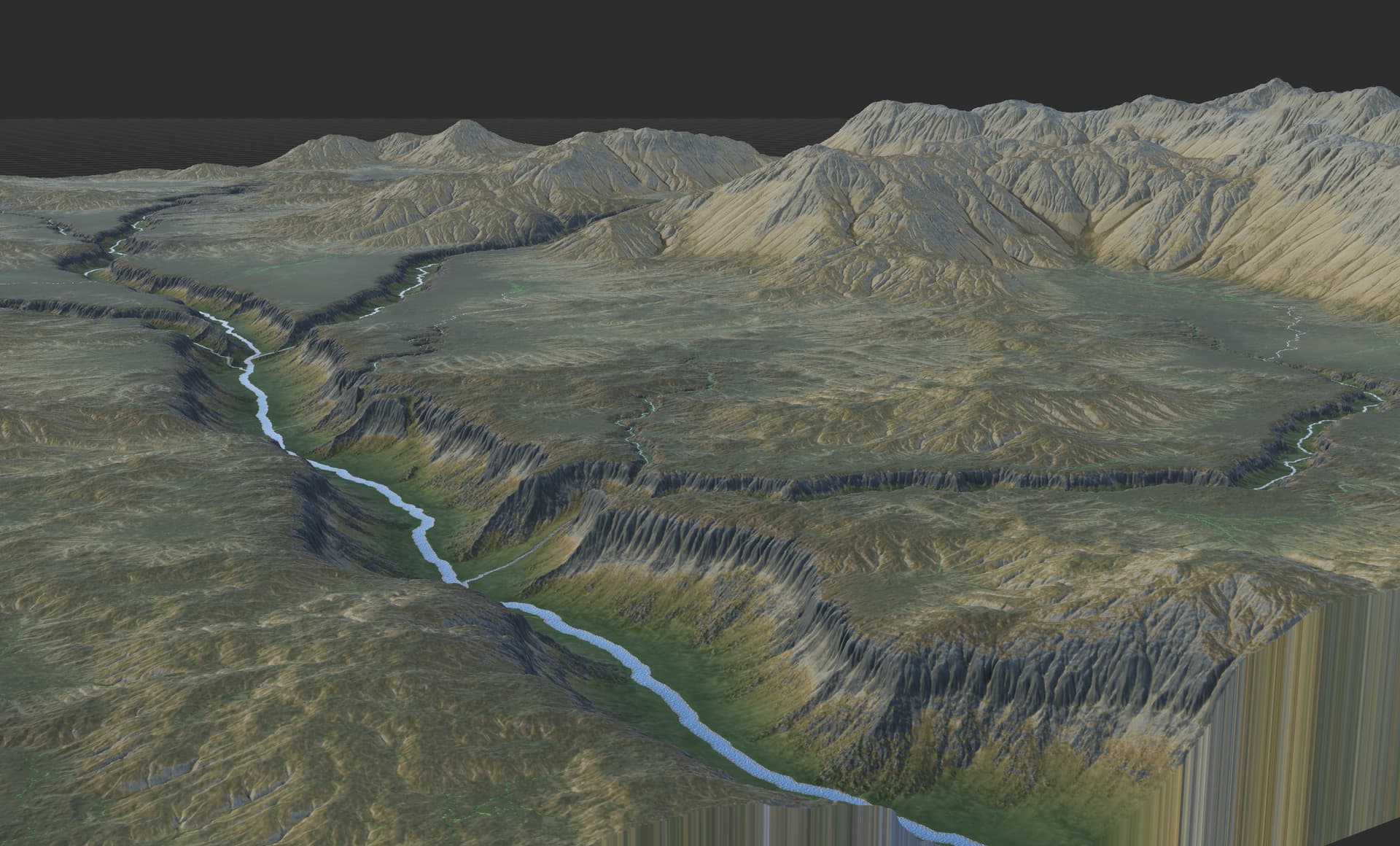
Erosion was the device everyone waited on. Hurricane Ridge made it up to 100x faster.
Builds 4041 – 4051October 2024 – December 2025
If you were licensed in 2023, you already own it
Hurricane Ridge ran about a year late, and there was no major release in 2023 while it was being built. So we dated the whole series to 2023 and gave it to everyone whose maintenance covered that year.
Sign in and it will tell you.
Better behaved erosion
The classic erosion model was powerful, but painfully slow at high resolutions. You no longer need to go for a coffee. 2K builds are an order of magnitude faster, while 8k and beyond still take just a handful of seconds.
A redesigned memory system keeps many-gigabyte builds moving without trying to consume all of your machine's RAM.
Perlin Noise, Create Water, and many other devices picked up order-of-magnitude gains too.
- Repeatable output. The same graph now builds the same terrain every time, ending one of the oldest complaints about the device.
- Feature size control lets you tune how strongly the erosion effect applies across different feature scales.
- Soil, not only rock. Start with a soil layer instead of bare bedrock to build rounded, soil-mantled hills.
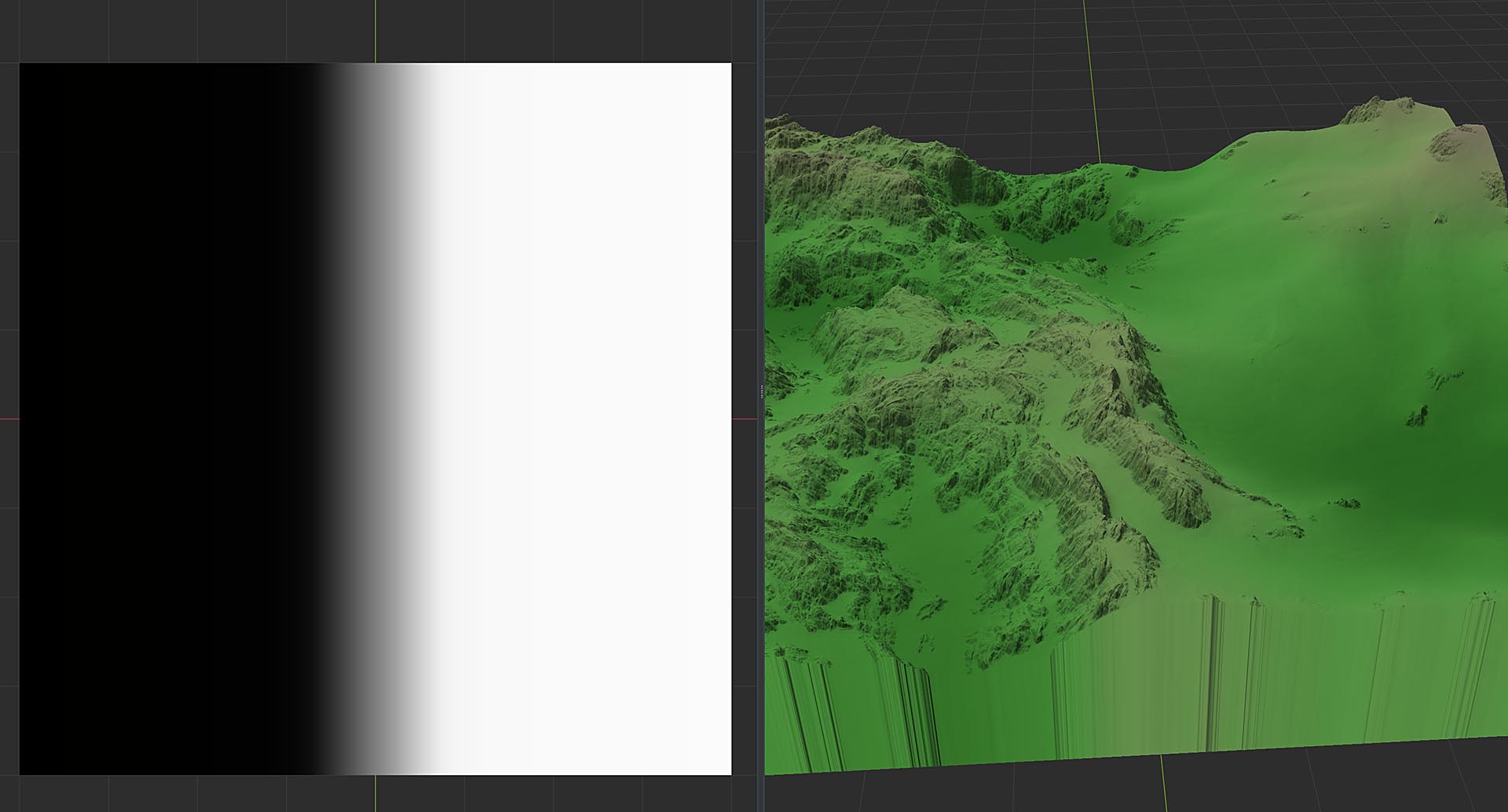
- Every parameter takes a map. Anywhere the device used to take a number, it now accepts a spatial mask, so one erosion device can weather a mountain range hard and leave the plain below it alone.
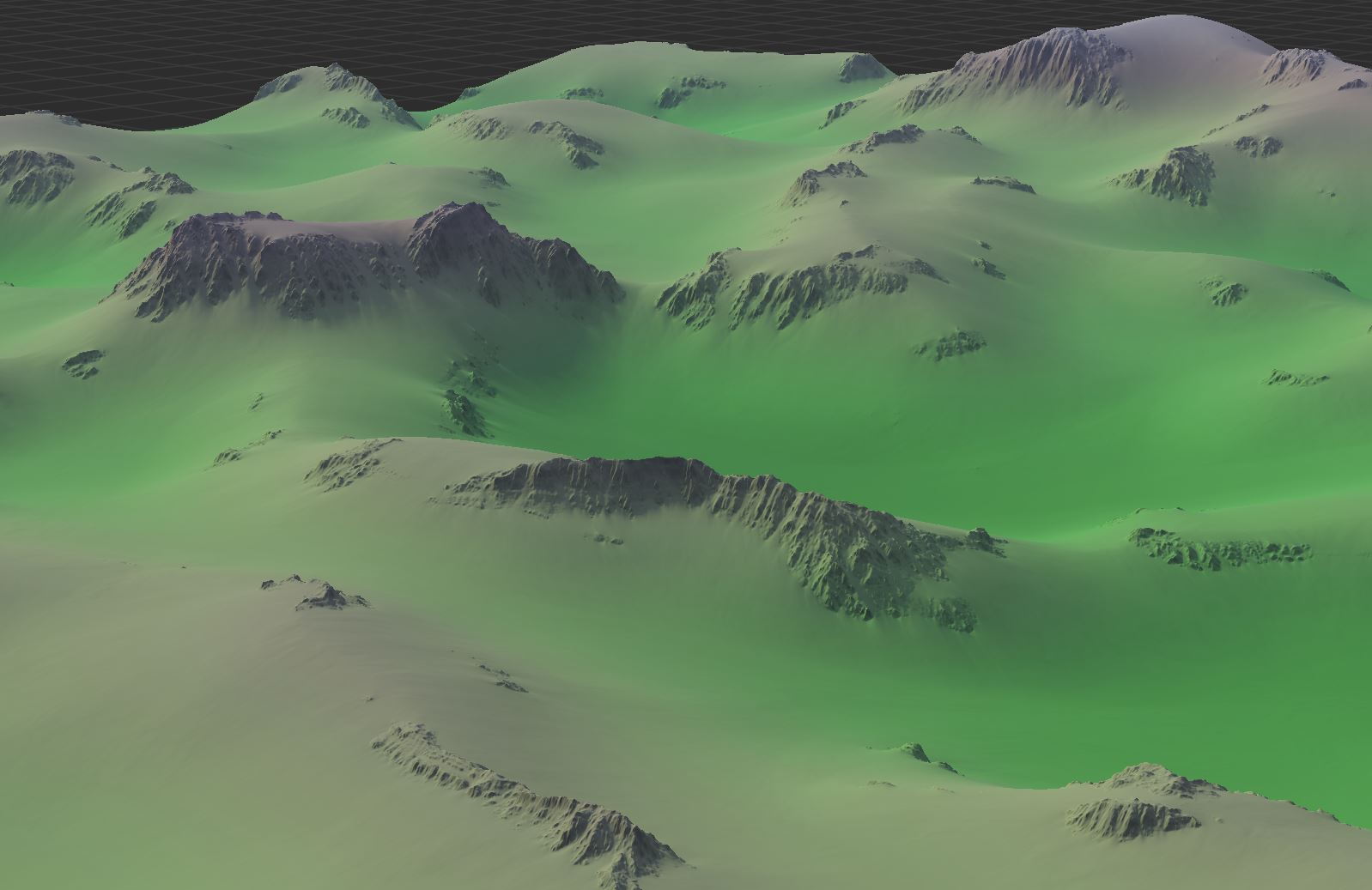
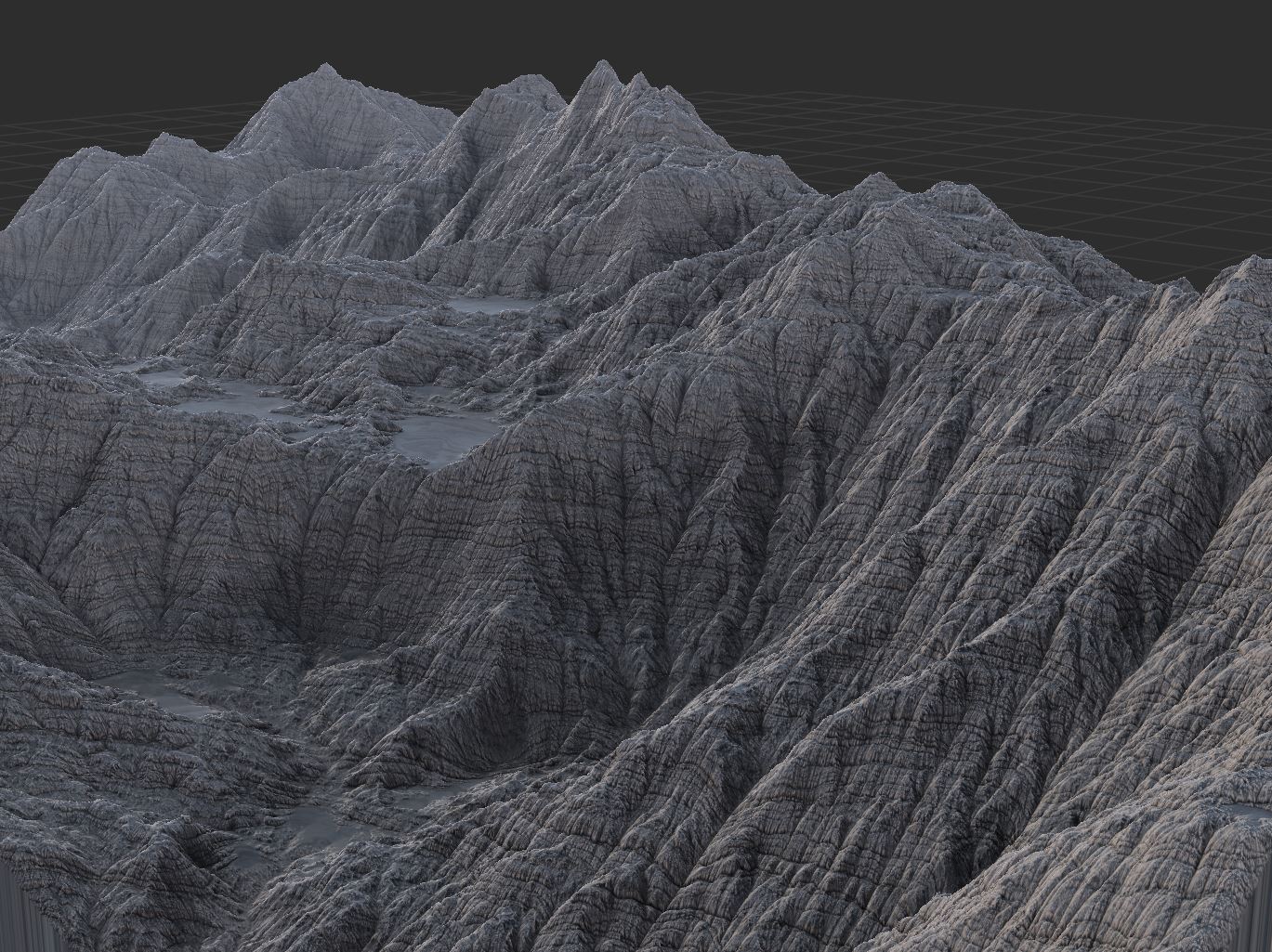
Settings that vary across the map
Spatial parameters let a mask control almost any device setting across the terrain. Blur radius, rock hardness, soil depth, and dozens of other controls can now vary from place to place.
- More than 45 devices take a map wherever they used to take a number, including every simulation that matters: Erosion, Thermal Weathering, Create Water and Flow Restructure.
- Control with… menus in the parameter pane add and wire the driving device in one step.
- Adjust the mapped range, invert the mask, or toggle the whole thing without redoing the wiring.
- Short of a mask? The new Compare Maps device lets you make a new mask by quickly comparing two sources: discover where deposition beat removal, talus is thicker than soil, or any other comparison you want.
Weathering and water were rebuilt too
Thermal Weathering
Exposed rock fractures and the debris moves downhill. The rebuilt model can push enough material around to change the shape of a range.
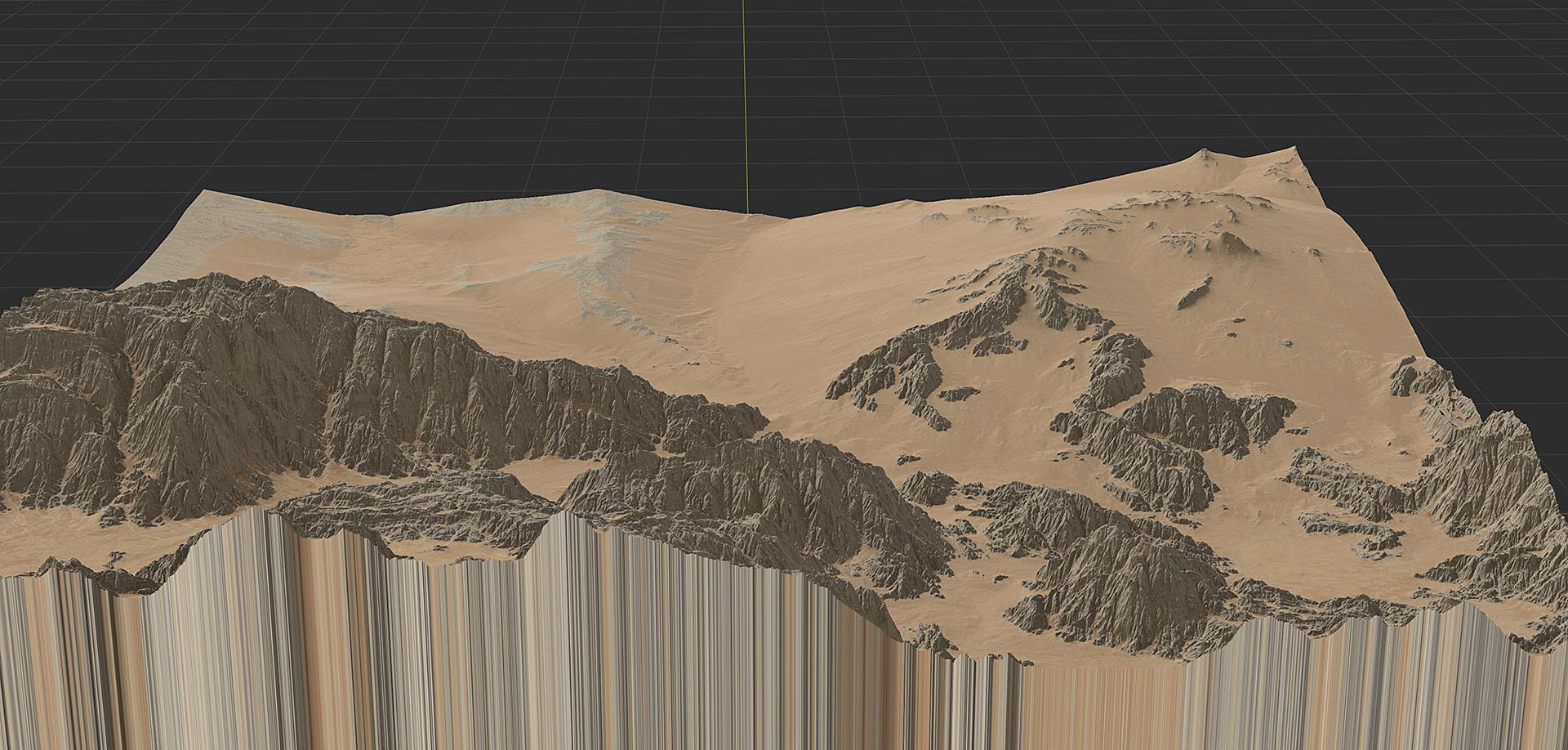
- Talus can now completely bury a vulnerable ridgeline rather than dusting it.
- Mass balance returned, so you control the ratio of bedrock worn away to talus deposited.
- A mass-movement mode treats the whole input as granular material, for cases where you want to transport something other than talus.
- And oh yeah... it builds more than 4x faster than before as well.
Create Water
- Filter out small lakes as they are created, which makes Create Water much more forgiving of imperfect drainage.
- Channel entrenchment and river stage controls set where the water surface sits.
- It uses far less memory and, by the way, builds more than 10x faster than before.
Flow Restructure
A new model with large speed gains at high resolution and a hillslope angle you can drive with a map.
Ridge-breaking did not survive the rewrite. We disabled it because of some edge cases; it returns in the next series.
Drawing what goes where
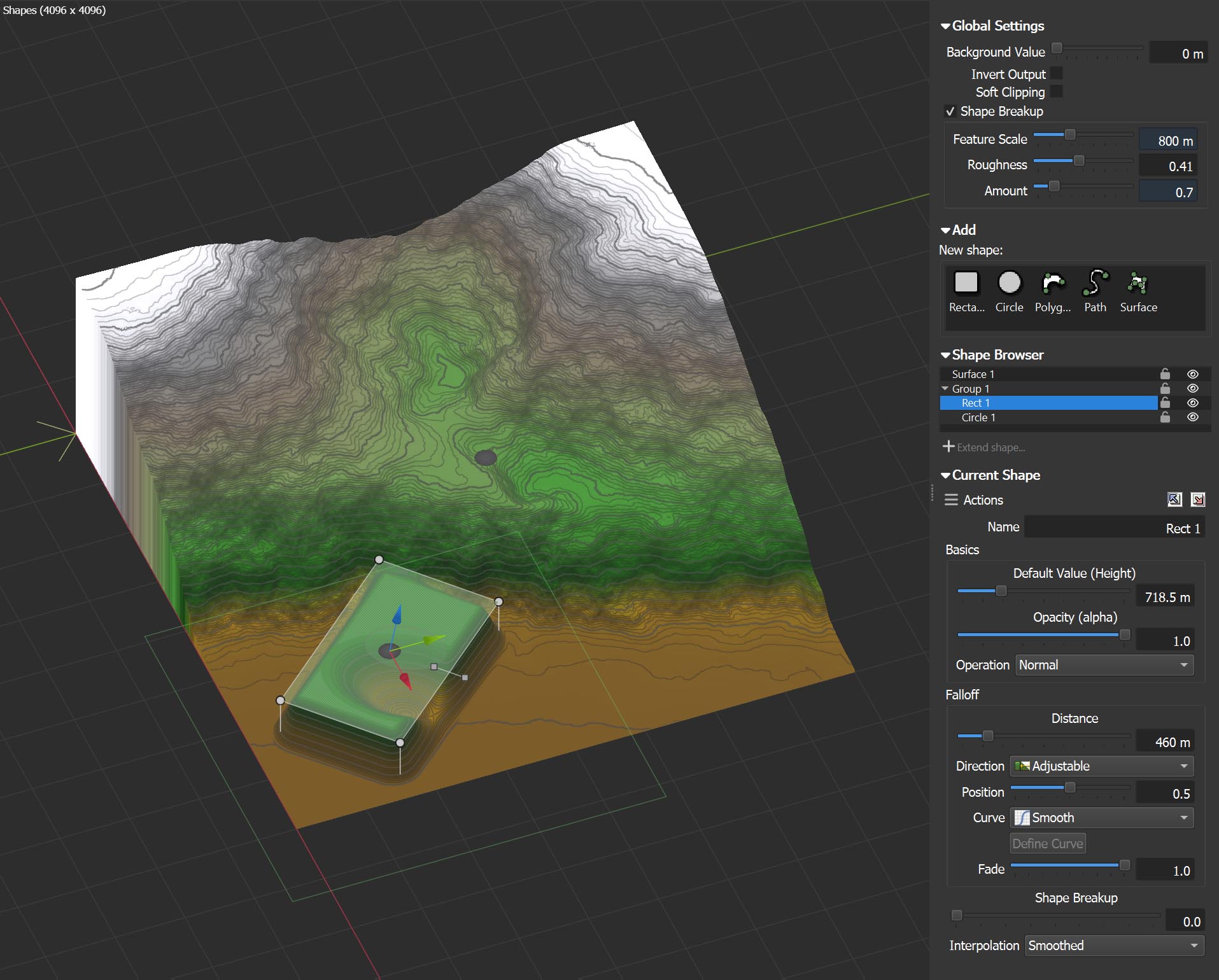
The Layout shape editor, where you draw the broad composition of a world by hand, picked up a round of work.
- Shape grouping, so a coastline made of forty polygons can act as one, with a shape browser for locking or hiding what you are not editing.
- Compositing modes: Behind, Within Existing, Intersect, Add, Subtract and more.
- Per-vertex heights on polygons and rectangles, and an interpolating surface shape type for sculpting broad smooth forms directly.
- Transform widgets for positioning, plus undo that still works while you are mid-vertex.
- Extend, split, or convert back and forth between path and polygon shapes.
- Adjustable falloff position lets you tweak exactly where the edge of a shape lies.
The interface got a attention too
Small fixes to things that got in your way every day.
Docked editing pane
Device parameters can live in a pane on the right instead of always opening in a floating dialog. Floating dialogs can be pinned or dismissed by clicking away, and panels throughout the interface scroll and collapse.
An eyedropper
The new color picker includes an eyedropper that can grab a color from anywhere on your screen. This was the single most requested small feature we had, and it arrived in build 4045.
Project versioning
Unlike other apps you may have used, you can load old worlds and preserve existing world behavior exactly, or update the project file to allow new devices. Pick and choose each upgrade to best fit your situation.
History you can navigate
Star changesets worth keeping and they survive saving and loading. A disk icon marks the last edit you saved.
Unicode throughout
Filepaths, node names and graph text can now be in any language, emoji included. :)
Smarter wiring
Drag an input onto another input and World Machine connects it to the correct output. Drop an output on an output and it reassigns what was there. Drop a wire on a device with one obvious port and it uses that port.
Display guides
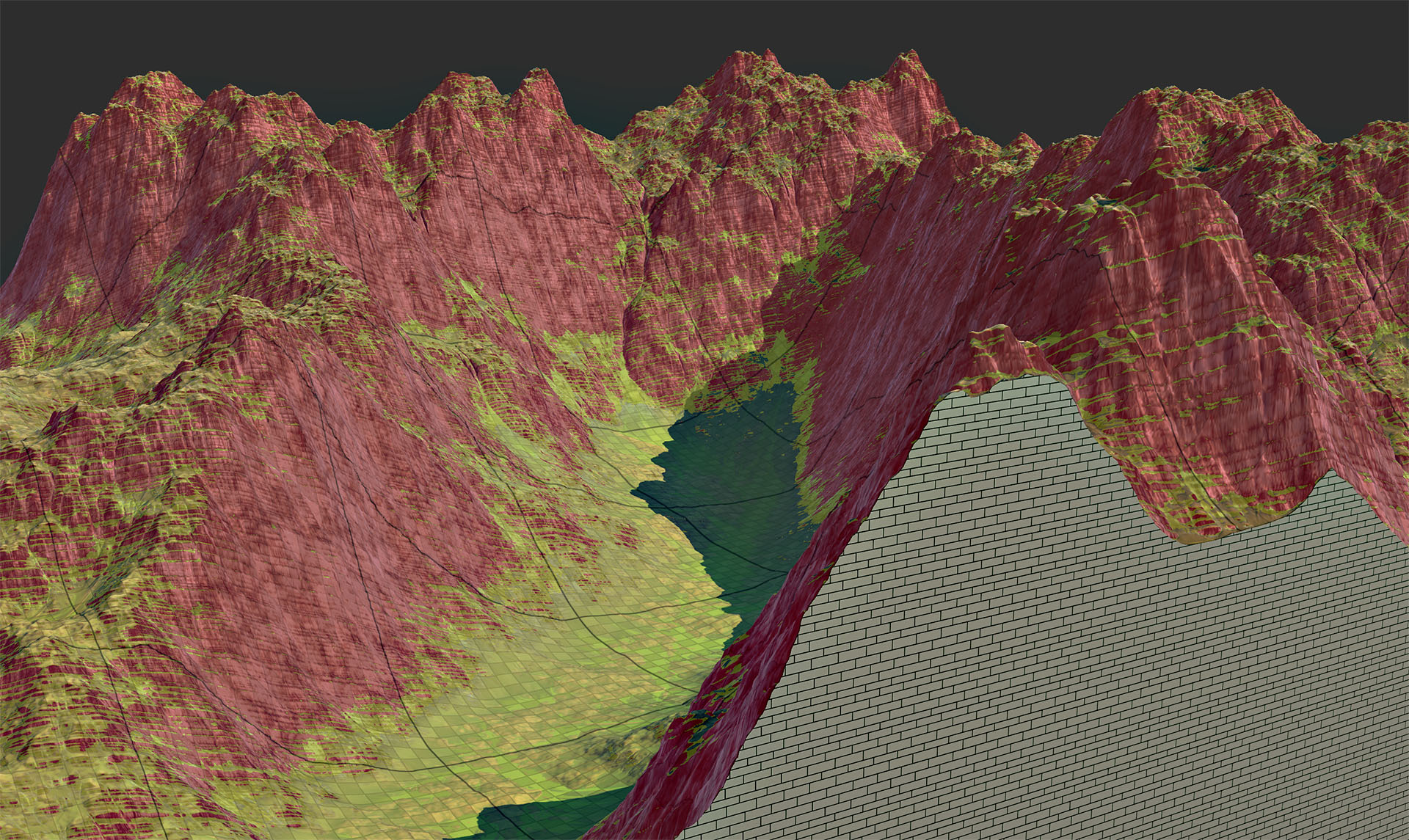
The viewport draws slope overlays, terrain grids and topographic lines over the terrain while you work.
Camera upgrades
Assign or recall camera views with keys 1 through 8, saved with the project. You can also adjust the camera FOV.
A better starting point for texturing
Hurricane Ridge added a set of built-in macros for the gap between “the landform is right” and “it looks like somewhere”.
- Bedrock & Soil builds color and material maps from what the simulation actually deposited, rather than from elevation and slope.
- Vegetation Layer grows cover on your soil layer, or any map you hand it, with a seasonality control that walks the palette from spring through autumn.
- Coastal Layer handles the undersea and shoreline material that every island project needs and nobody enjoys building.
Macro authors got tools of their own: Construct Parameter, Control, and Report Value and Report Color, lower-level devices for adapting parameters and steering data flow inside a macro.
Your own device, inside World Machine
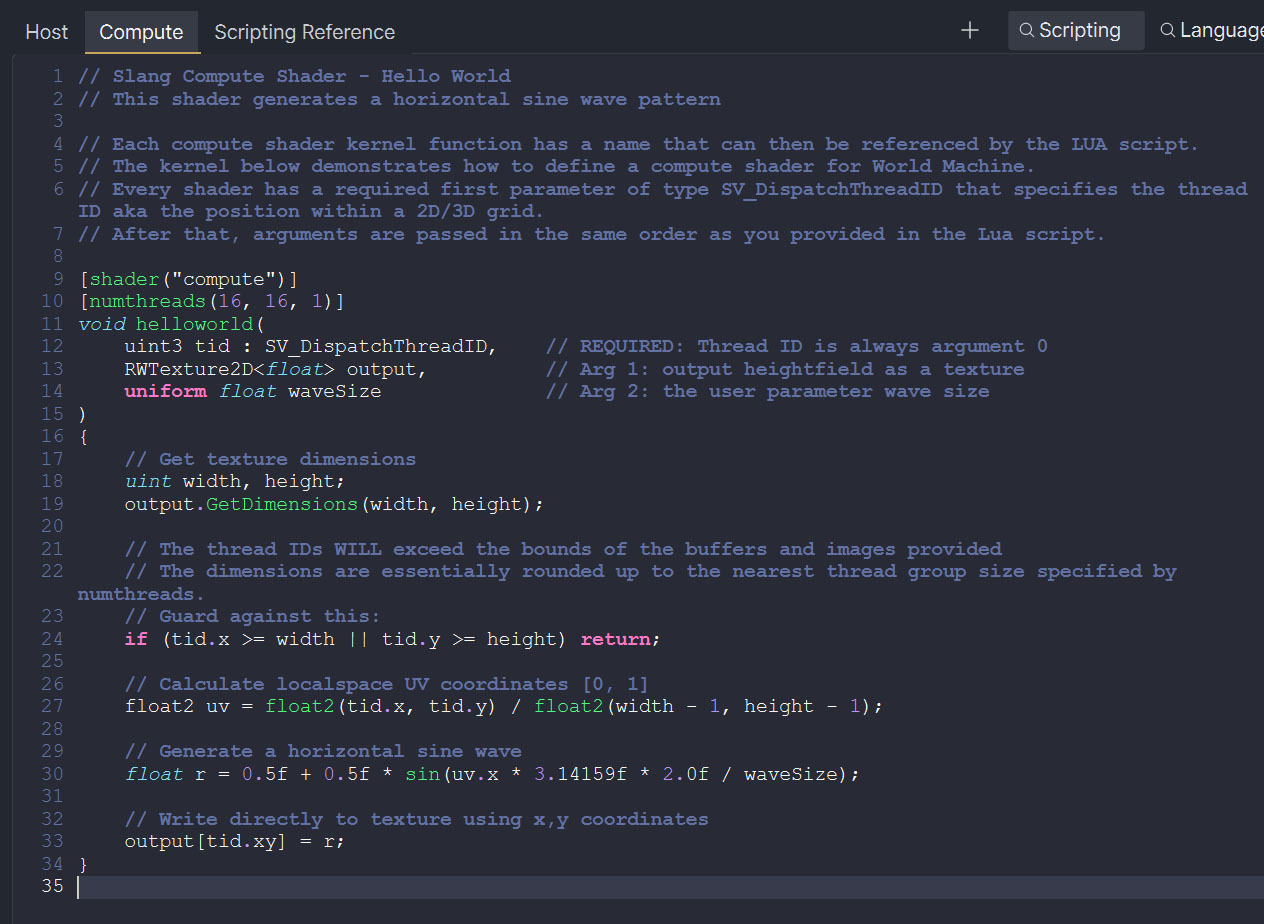
The Code device lets you write your own terrain device in Lua and OpenCL/HLSL and run it on the GPU without leaving World Machine, building a plugin, or installing an SDK.
Code devices are sandboxed, so they are safe to share and run even when someone else wrote them. Examples ship for generators, filters, and other common patterns. A code device can do almost anything a native World Machine device can.
Where the speed came from
Hurricane Ridge spent a lot of its time below the UI. The speed at the top of this page was bought here.
- We revisited almost every device, from Basic Perlin to Instance Scatter. Many got new parallel algorithms or lower-level optimizations.
- Hurricane Ridge can use AVX2, worth up to eight times the throughput on the code paths that vectorise.
- RGB packets moved to float16, halving the memory a color map costs.
- The viewport and GPU data paths are faster, so an 8K viewport displays edits in real time.
- World Machine more fully manages its own memory allocations, archives results to disk ahead of time off the build thread, and throttles itself rather than falling over when memory runs short.
- World previews return results incrementally rather than waiting for the entire world to be built.
- Tiled builds finalize each tile as early as they can, which saves both time and scratch disk. Oh, and you can now resume after a failure too ;)
Hurricane Ridge is complete after ten releases. The current series is Dragontail Peak, which brings true 3D terrain, native macOS and Linux support, and a rebuilt interface.
Get Hurricane Ridge
If you already own a license, check whether your update window covers this release: it may cost you nothing, and every build inside your window stays yours to download for good.
If you don’t, World Machine Basic is free and always has been.